Dataset administration
The main interest of ANIS is to browse datasets from, eventually multiple, databases. Instances can access datasets when properly configured.
This page details the configuration possibilities of datasets by focusing on the examples provided with the default instance.
Click on the instance settings (gear) to land on the dataset administration page of the default instance.
Note that you can organize datasets into so-called families. For instance for the default instance, you can see the default dataset family, the SVOM family, and the IRIS dataset family.
You can obviously add another dataset family by clicking the top green button New dataset family.
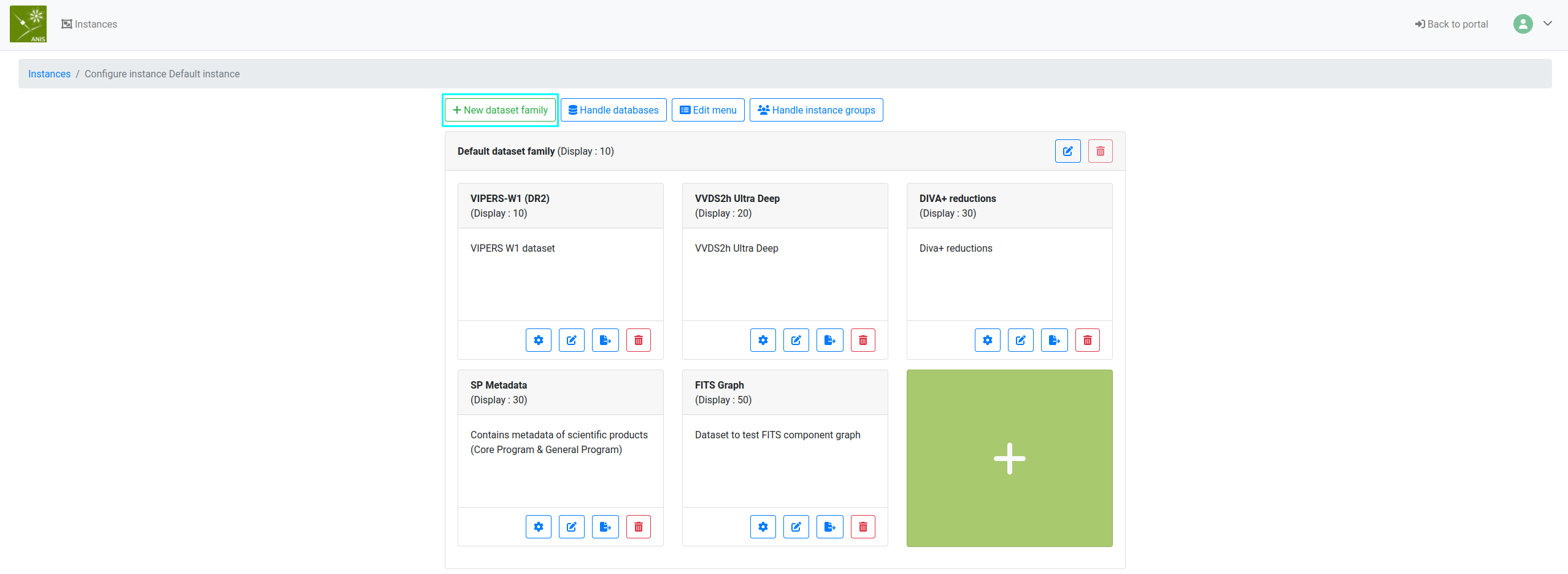
Once you get some dataset families you can add and configure some datasets.
You can delete a dataset family by clicking on the deletion button (red bin) of the family, the deletion is irreversible.
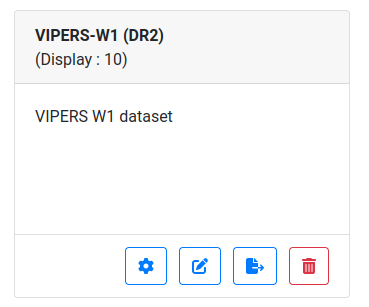
On a dataset card, you can see 4 buttons, as on the page with the instances.
- dataset settings (gear): to configure the datasets and web-pages in the instance
- dataset edition (pencil): to configure the instance intrinsic properties themselves
- dataset export (file export): to export the instance configuration
- dataset deletion (bin): to delete the dataset itself, an irreversible operation
Dataset settings
Under construction.
Dataset edition
If you click the dataset edition (pencil) button. You should land on a page resembling the form for the instance edition.
The form should be self-explanatory, detailing all the main properties of the chosen dataset.
Changing the latter configuration, changes the main properties of the chosen instance. Hence, changes to the latter form should be registered cautiously.
Note: once changes completed, don't forget to click in Update dataset information validation button at the bottom of the page, to register the latter.
Import and export
Dataset export
If you click the dataset export (file export) button, you should get a
popup proposing the download of the chosen dataset configuration via a json
file.
The latter file is useful when you want to import the configuration from elsewhere, for example a production environment.
Dataset import
Say you wish to create a new dataset, and you have a json configuration file at your disposal.
You can click in the green card with a plus sign on the administration portal in a dataset family.
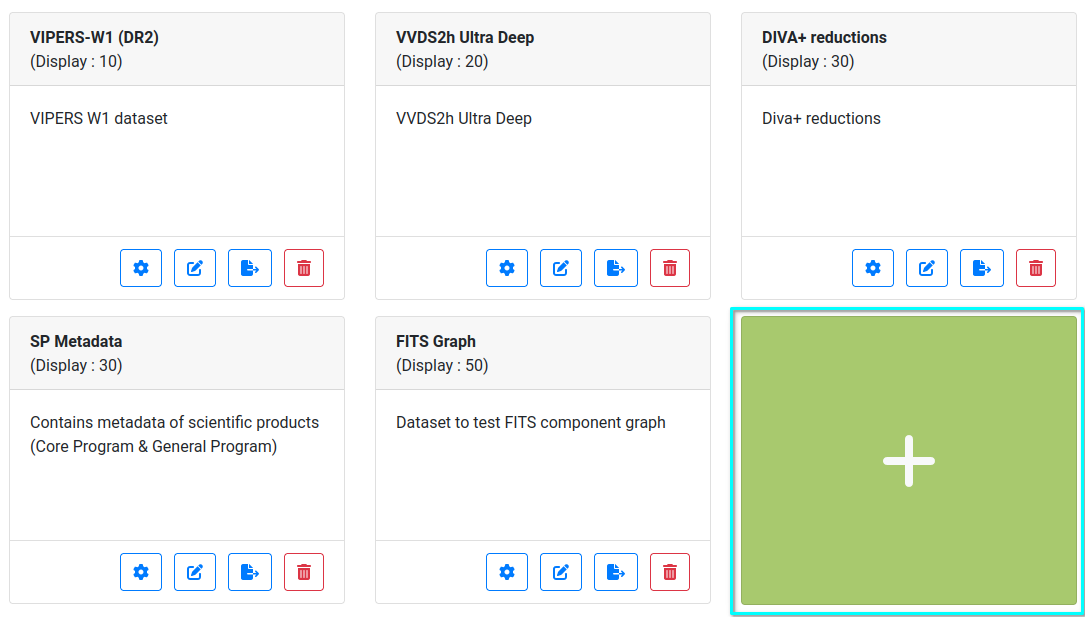
From there, you can either fill a form that resembles the one offered via dataset edition.
Or, you can choose the button Import an instance, that offers to select a json configuration file on click and Import a dataset.
If no error occurs, the new instance should be available for further configuration.